 My Green Card Photo
Find a bright spot
Stand in front of a plain, light wall. The app first walks you through the key rules on short cards.
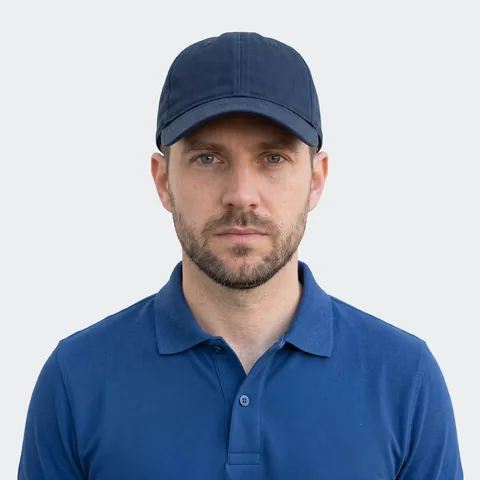

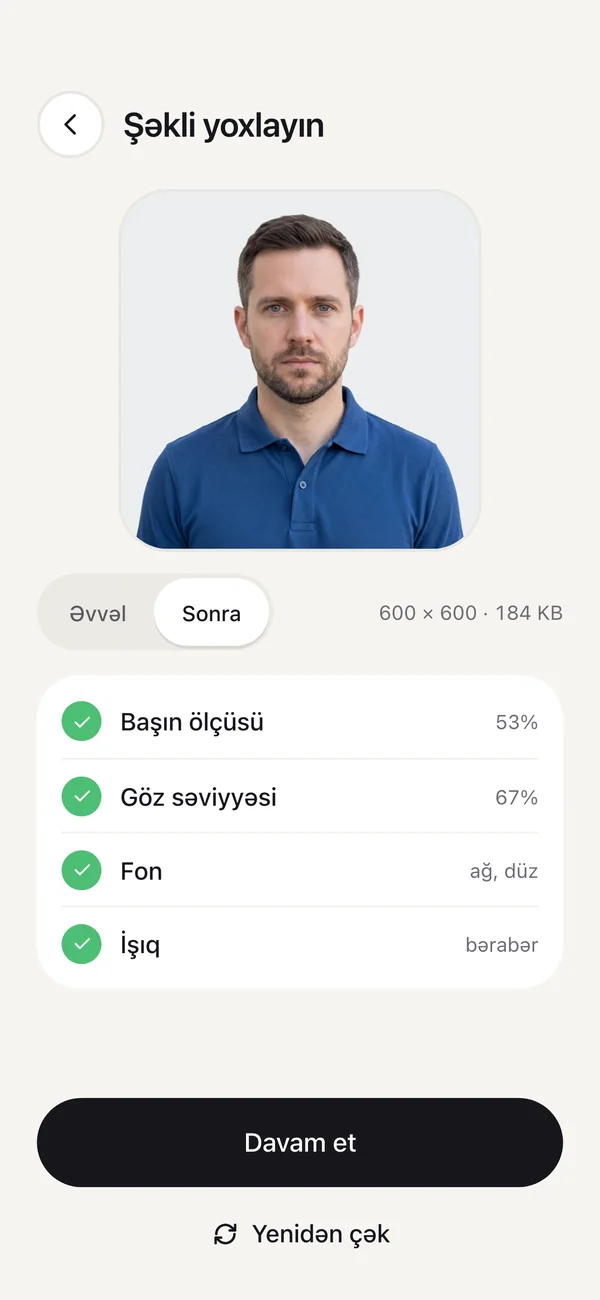
The app guides you step by step while you shoot, then checks the photo against the official U.S. rules.
Your first photo is free. Checking and retaking are always free. The app is in Azerbaijani.
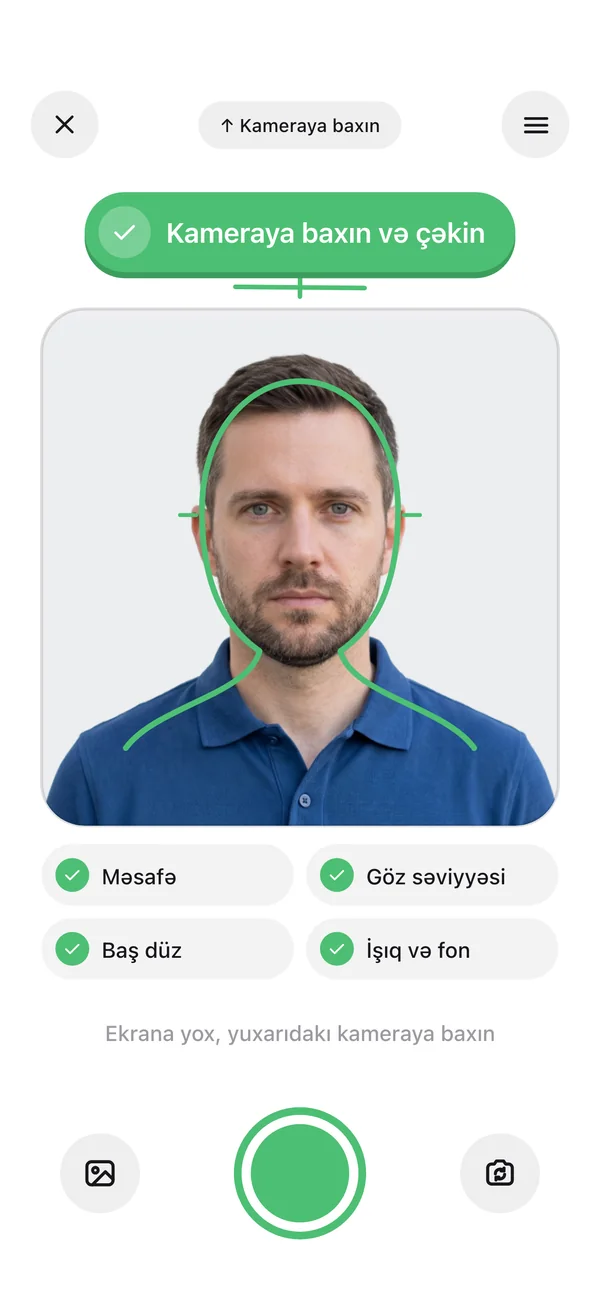
No need to memorize the rules: the app shows you what to do while you shoot.
Stand in front of a plain, light wall. The app first walks you through the key rules on short cards.
Distance, eye level, head position and light are checked live. When everything turns green, take the shot.
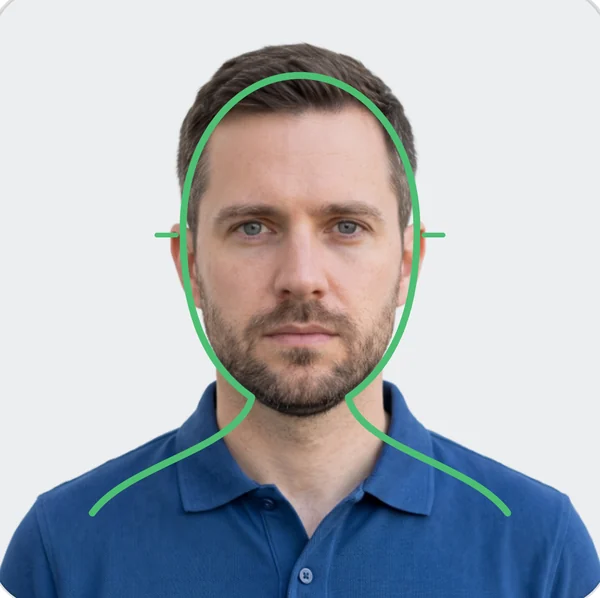 Look at the camera and shoot
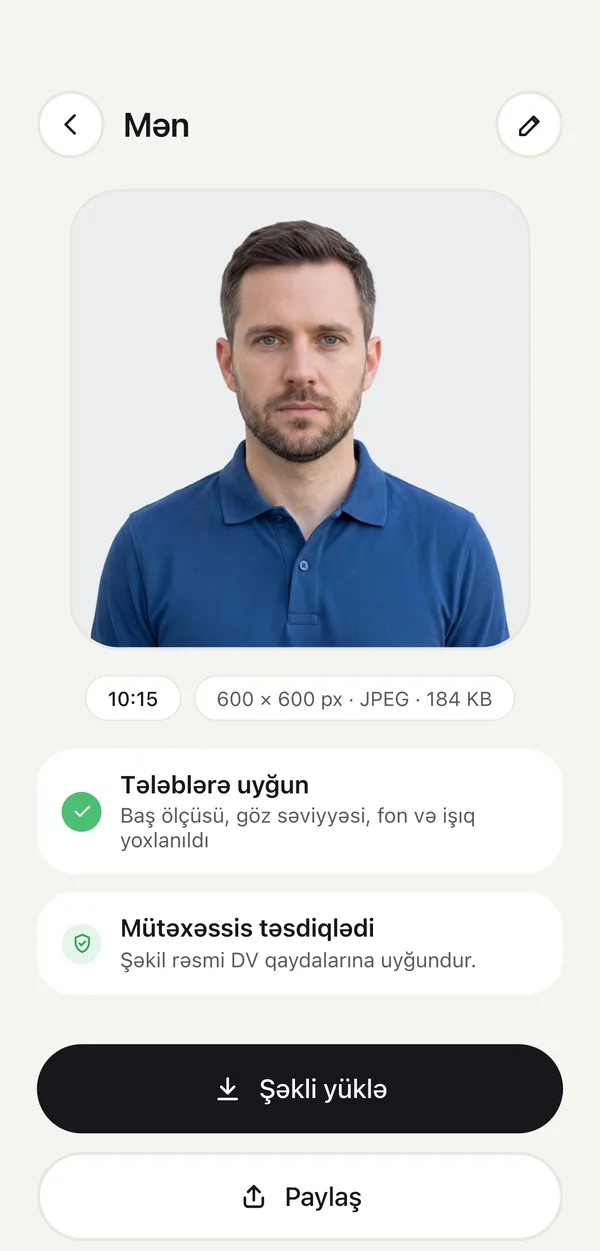
The app crops and sizes the photo and checks it against the rules. Save the finished file to your phone.
Every photo is measured against the official rules. If something needs fixing, the app tells you in plain words.
The head fills 50–69% of the photo's height.
Eyes sit at the right height.
Not tilted, not turned to the side.
White or off-white, no pattern.
No shadows on the face or behind you.
The photo isn't blurry.
Glasses aren't allowed in Green Card photos.
No hats. With a religious covering, the full face shows.
No headphones or wireless devices.
Hair doesn't cover the eyes or face.
Neutral, eyes open, mouth closed.
No other people or hands in the frame.
The app crops the photo to a square, centers your head and saves the file at the required size. All that's left is adding it to the form at dvprogram.state.gov.
Kids don't sit still, we know. In child mode the app takes several frames and picks the sharpest one.
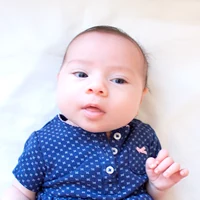
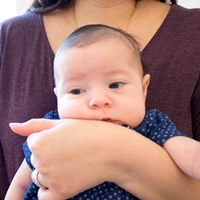
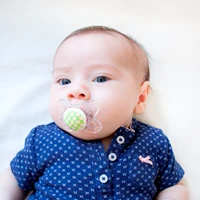
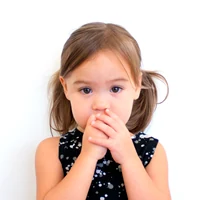
Examples: U.S. Department of State
Want to be completely sure? Send your photo to an expert, who checks it against the official rules. The answer arrives as a notification.
$4.99 per photo
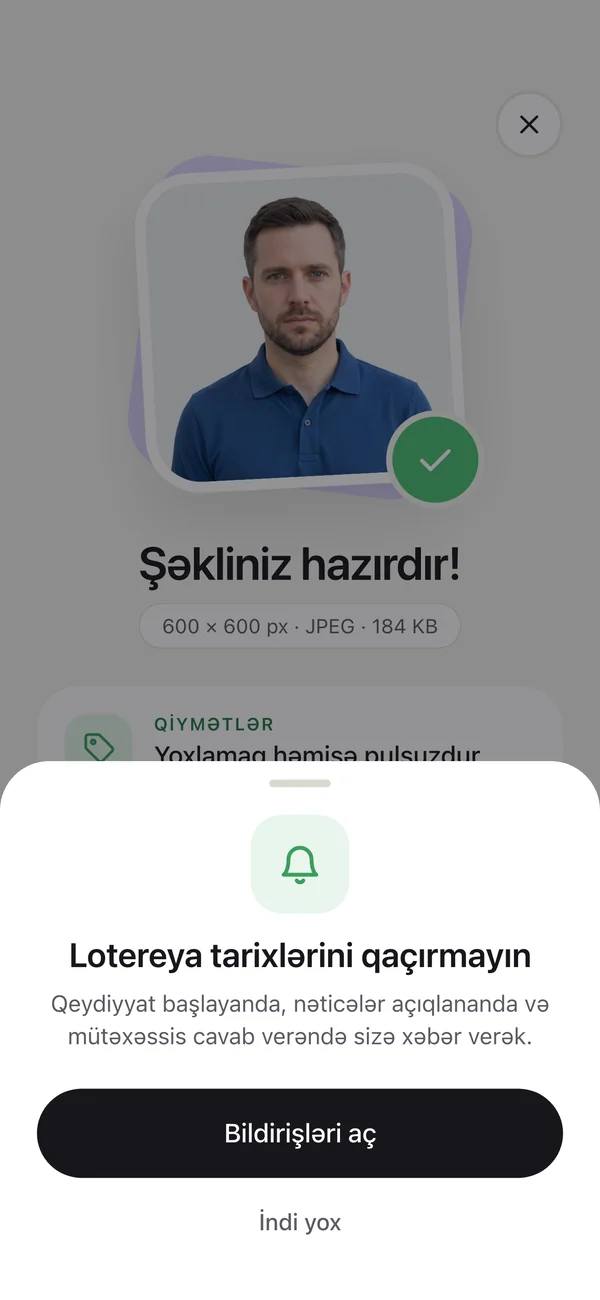
Lottery registration dates aren't known in advance. Turn on notifications in the app and we'll tell you when registration opens and when results come out.
Taking, checking and retaking are always free. You only pay when you save a finished photo.
Free
Your first finished photo is on us.
$2.99
A one-time payment for one photo.
$6.99
Unlimited photos for 12 months, for your spouse and children too. Doesn't renew.
$4.99
Optional. A person checks your photo and answers within 24 hours.
Payments go through the App Store or Google Play. Prices may vary slightly by country.
Prepare personal photos without sending them anywhere. Details: Privacy Policy.
The official rules in plain words, based on official sources and updated when the rules change.
Size, background, light, glasses: the official rules with examples.
Learn morePassport, photos, the $1 fee and your confirmation number.
Learn moreWhen DV-2028 registration opens and what has changed.
Learn moreSpot fake sites and "you won" messages.
Learn moreThe app is in Azerbaijani for now. The photo rules are the same for everyone, so the finished photo works for any lottery entrant.
No, nobody can: the U.S. Department of State makes the final decision. The app checks the photo against the official rules and catches the most common mistakes. If you want to be completely sure, use expert review.
No. We only prepare the photo. You submit the entry yourself at dvprogram.state.gov. We explain how in this guide.
Yes. Your spouse and each unmarried child under 21 need their own photo, even if they won't move with you. If you need several photos, the 12-month pass is the better deal.
Choose child mode in the app. Lay the baby on their back on a white sheet and shoot from above. Keep your hands, pacifiers and toys out of the frame. The app takes several frames and picks the sharpest.
No. The photo must be taken within the last 6 months, and reusing a photo from a previous year's entry can disqualify you. The app flags photos older than 6 months.
No. Since 2016, glasses aren't allowed in U.S. visa photos, including Green Card lottery photos. The app will tell you if it sees glasses.
Yes. Taking, checking and saving photos needs no internet. You only need a connection for purchases and expert review.
Sign in with the same Apple ID or Google account, then in the app tap Menu → Haqqımızda (About) → "Alışları bərpa et" (Restore purchases). The 12-month pass moves to the new phone this way.
Download the app and have a finished photo in minutes. Your first photo is free.